

App Store Awards
App of the Year


Apple Design Awards
2025 Winner
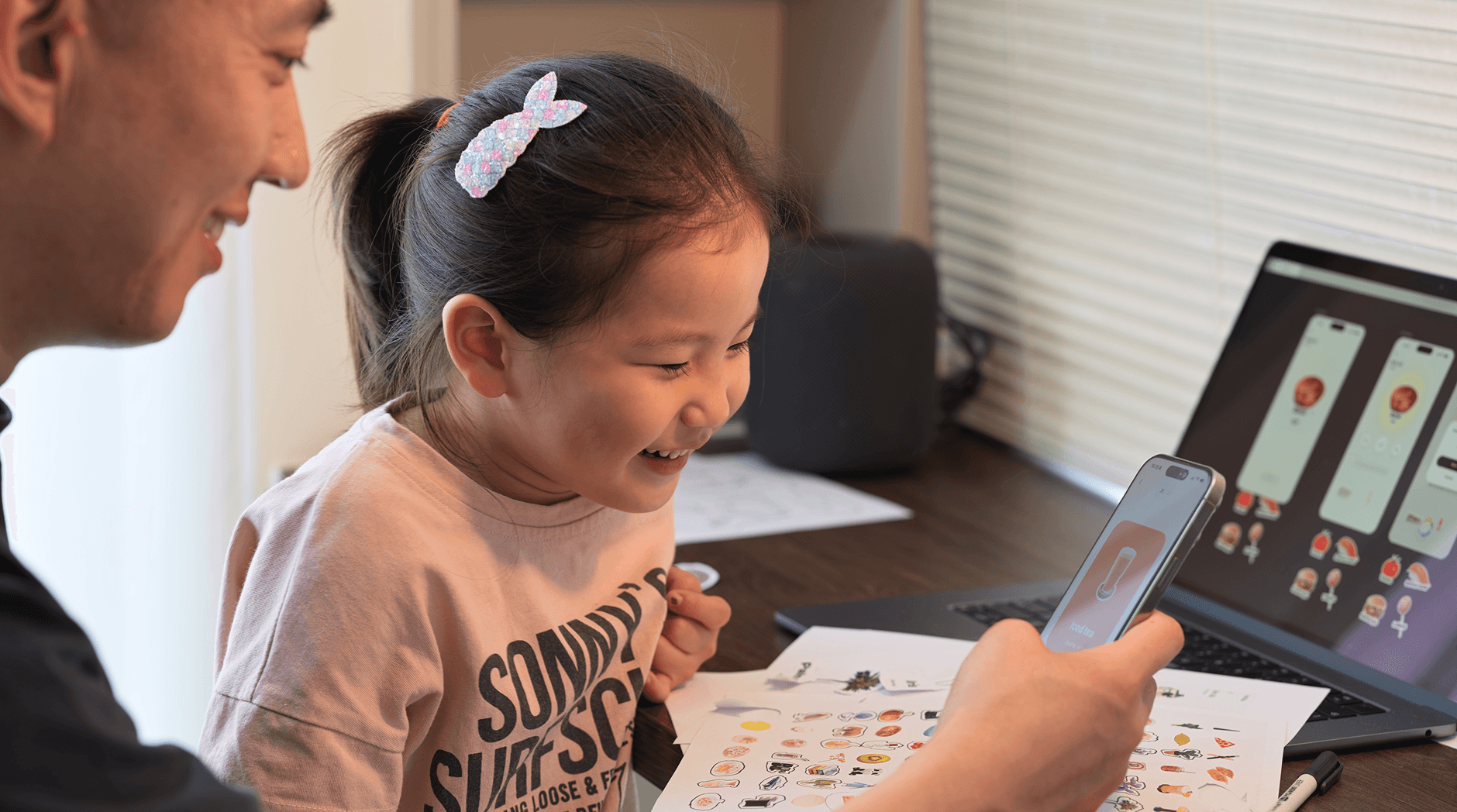
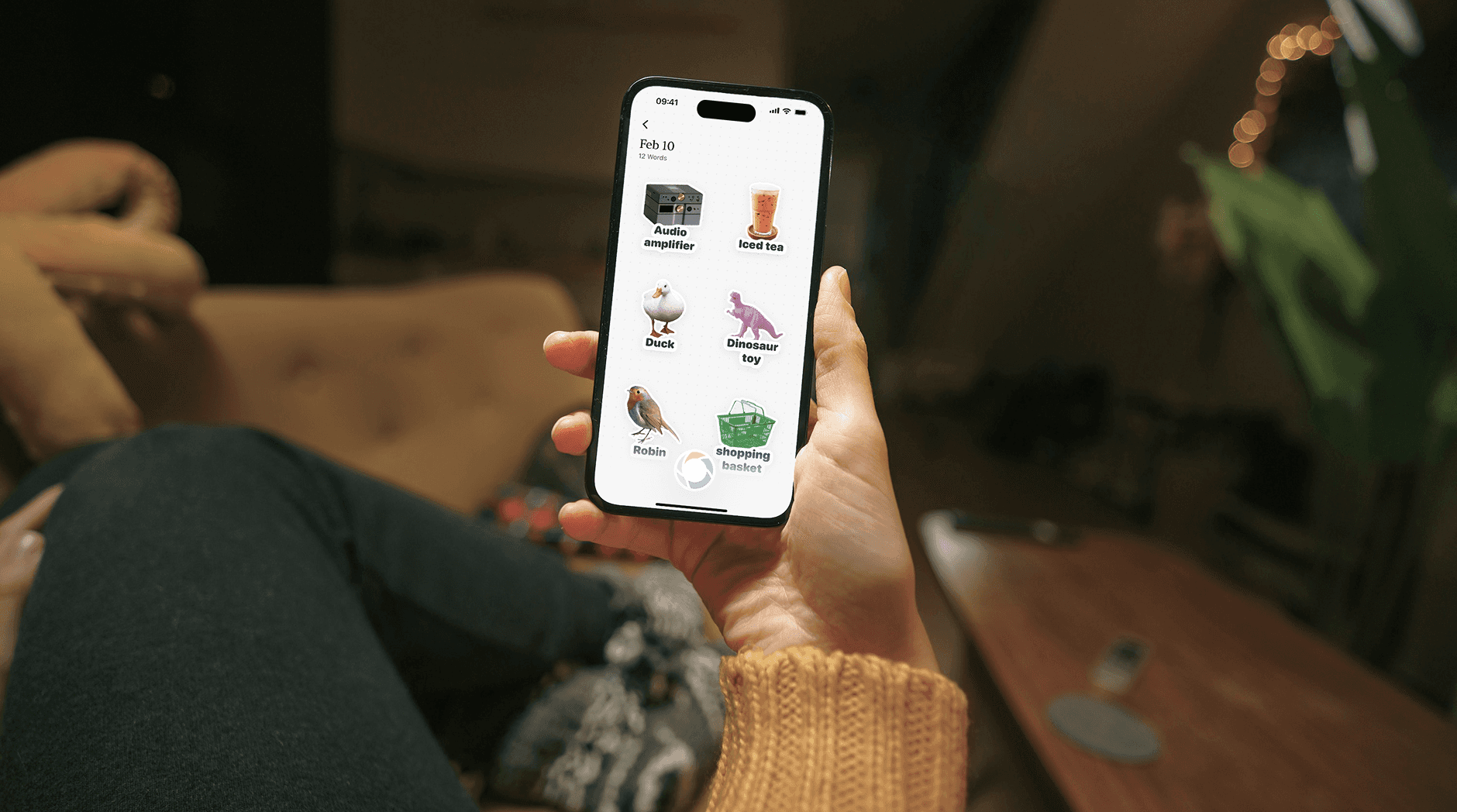

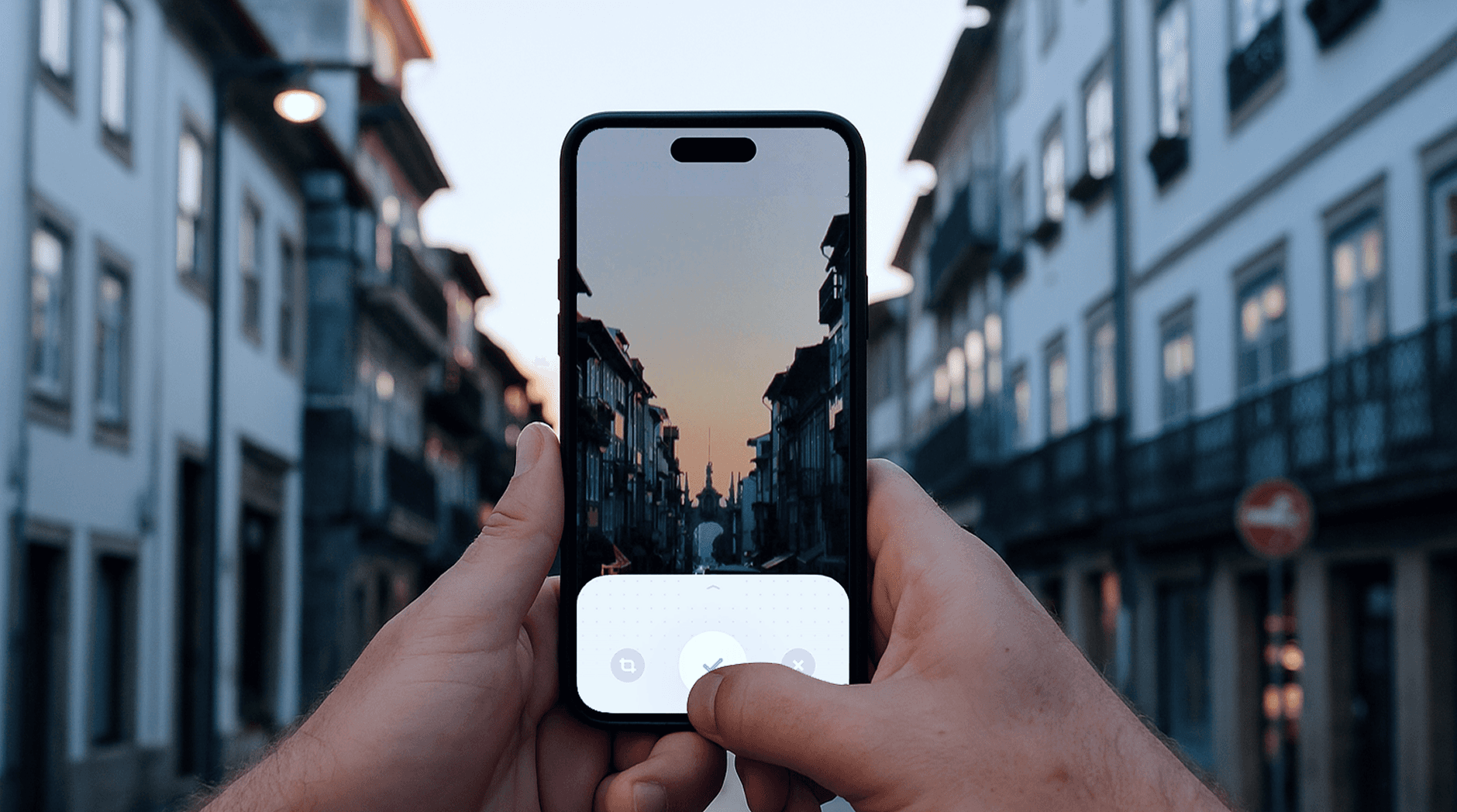
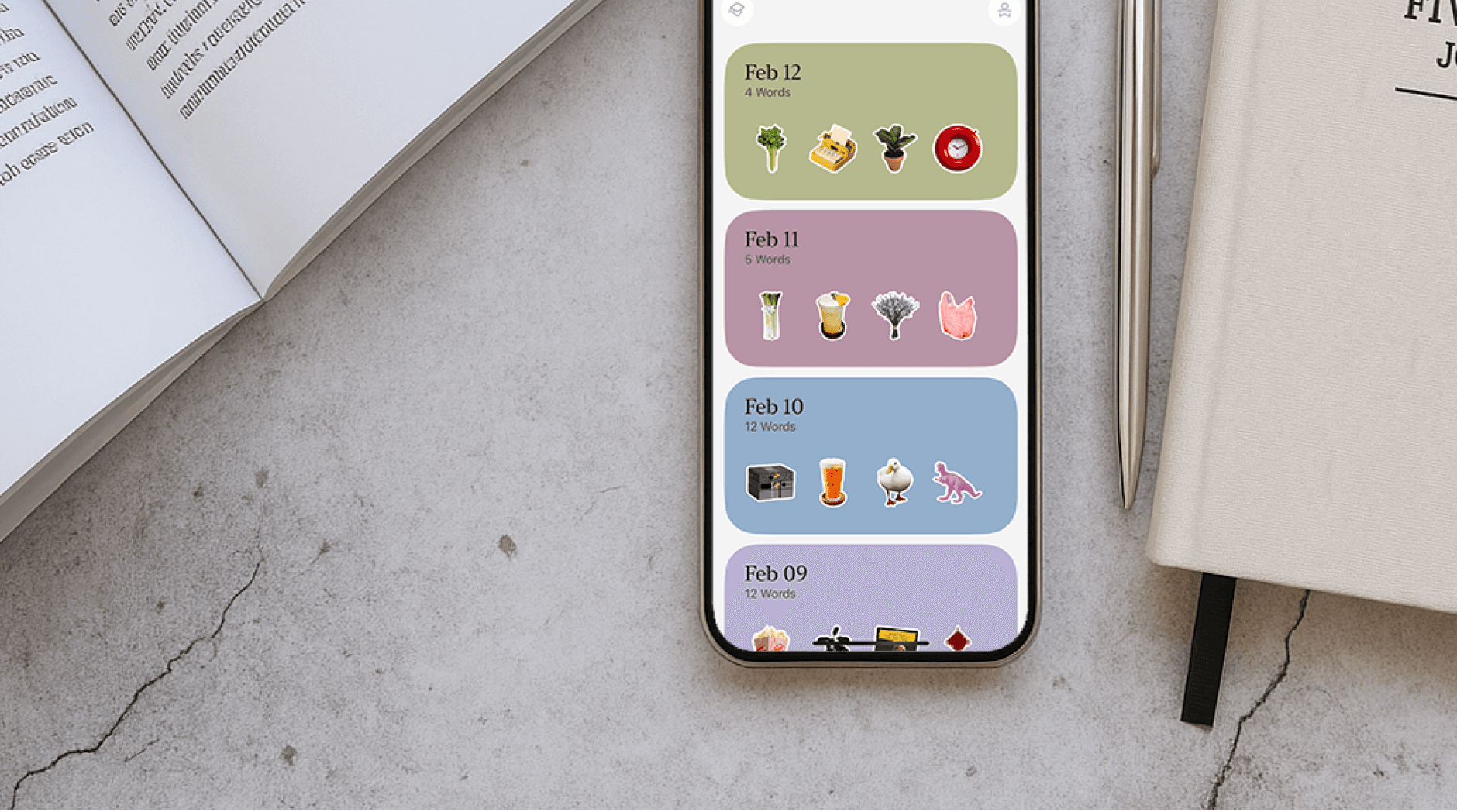
Scenario Memory Card
Scene + Image + Information = Better Memory
Visual, game-like learning can boost word retention by 25%.







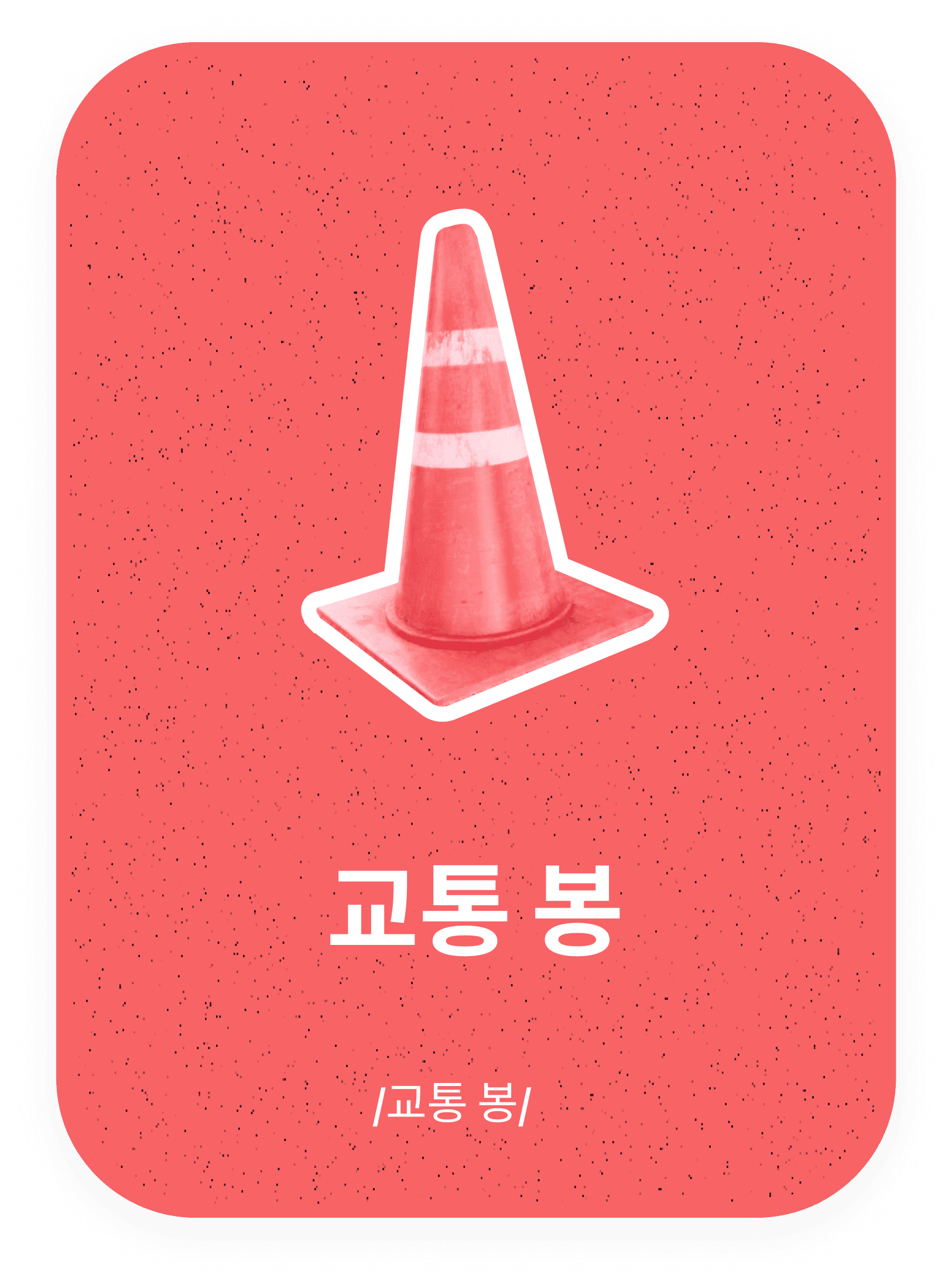

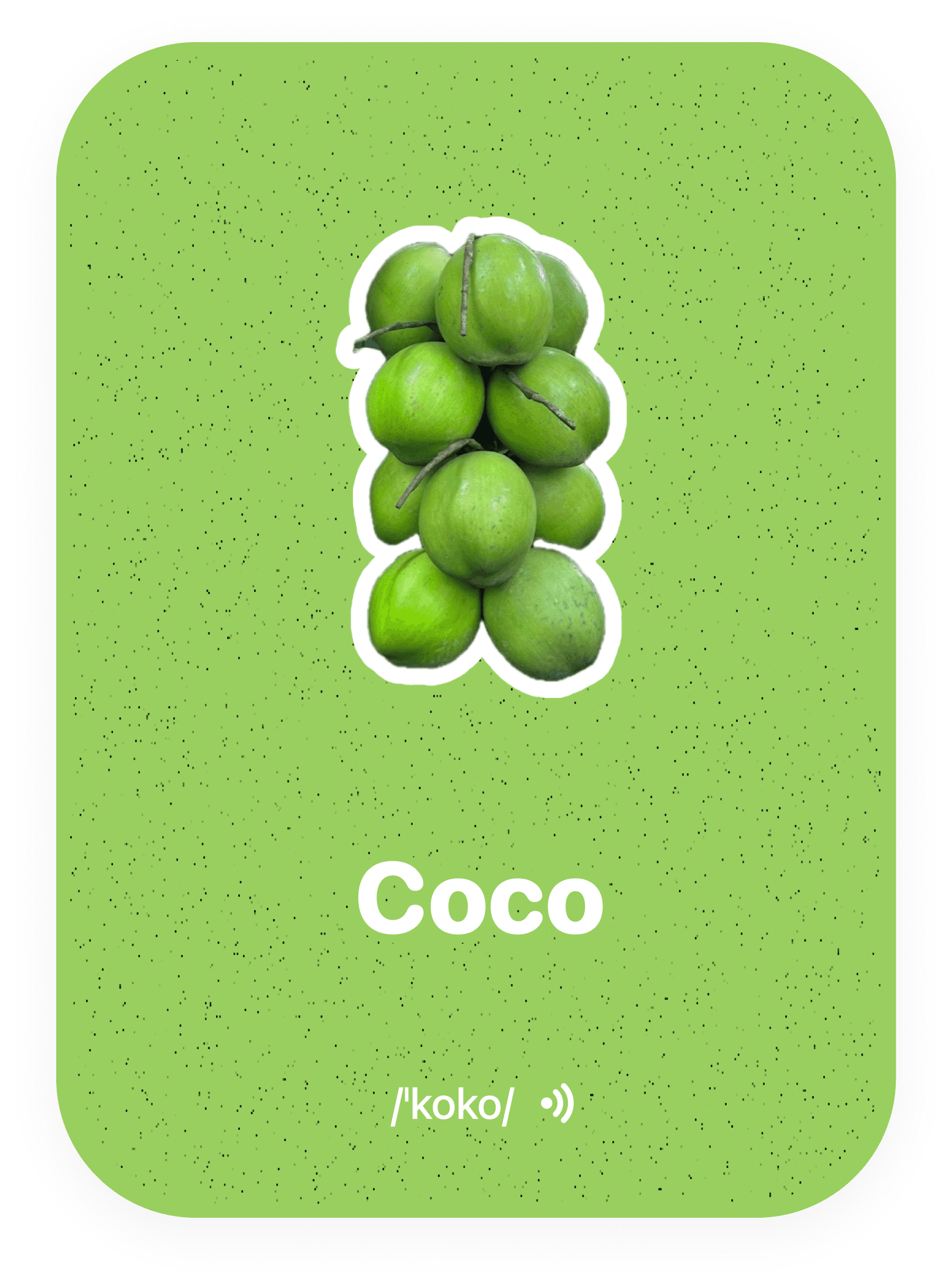



🧠
The Science Behind It
Privacy first.
Local learning, connected features.
All your data is fully under your control.
How we handled
your data?
Some local features work without a CapWords account. Online recognition, AI conversations and synchronization send selected content to our backend and necessary providers; enabled diagnostics and attribution are described in the Privacy Policy.
How does
CapWords work?
CapWords currently uses Apple’s native system-level capabilities, including:
AVSpeechSynthesizer:
for high-quality speech playback (with Neural Voice support)VisionKit and AVFoundation: for image capture and background removal
CloudKit: for syncing users’ review progress and image-based content between iPhone and iPad
Speech and SFSpeechRecognizer: for voice recognition functionality
Learn smarter, every day.
Capture words, review cards, and build your language—effortlessly.
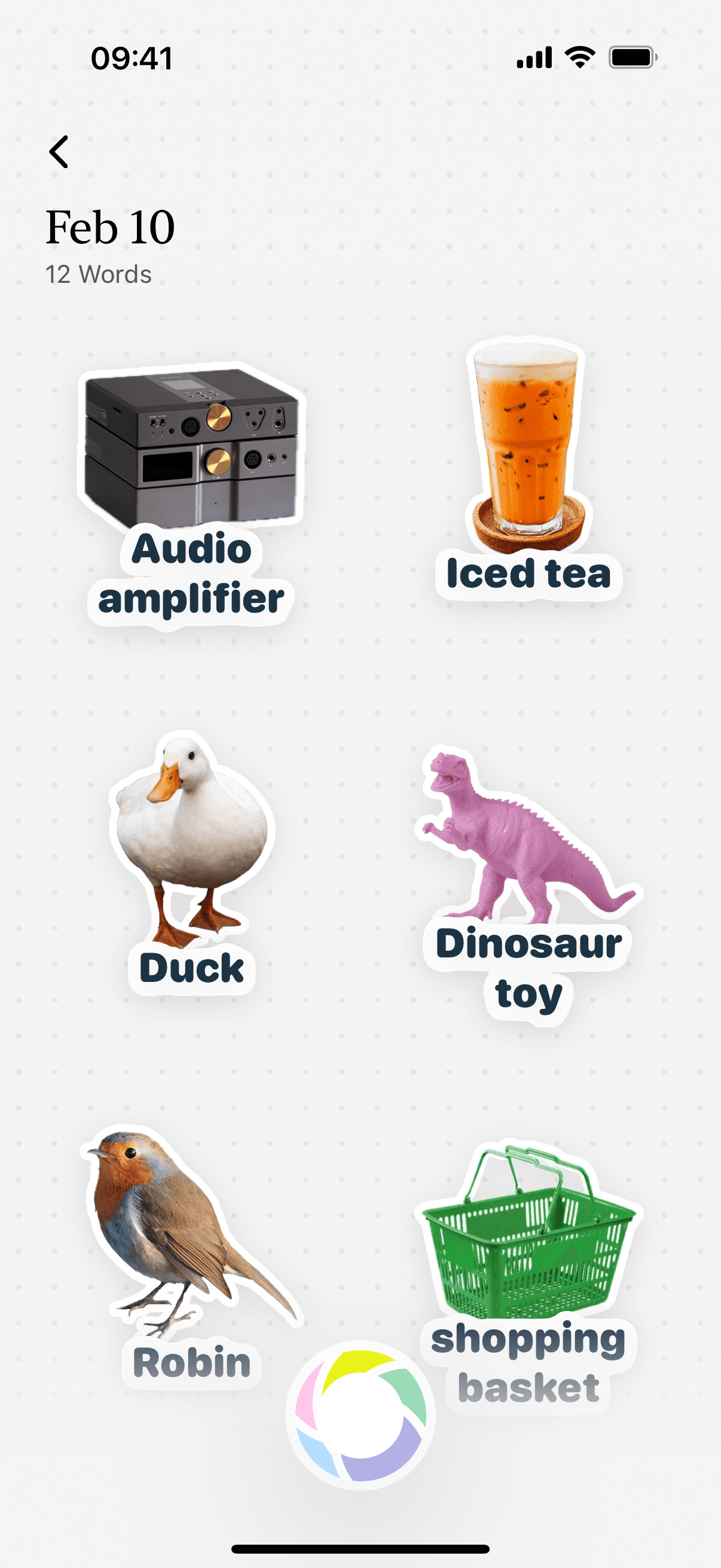
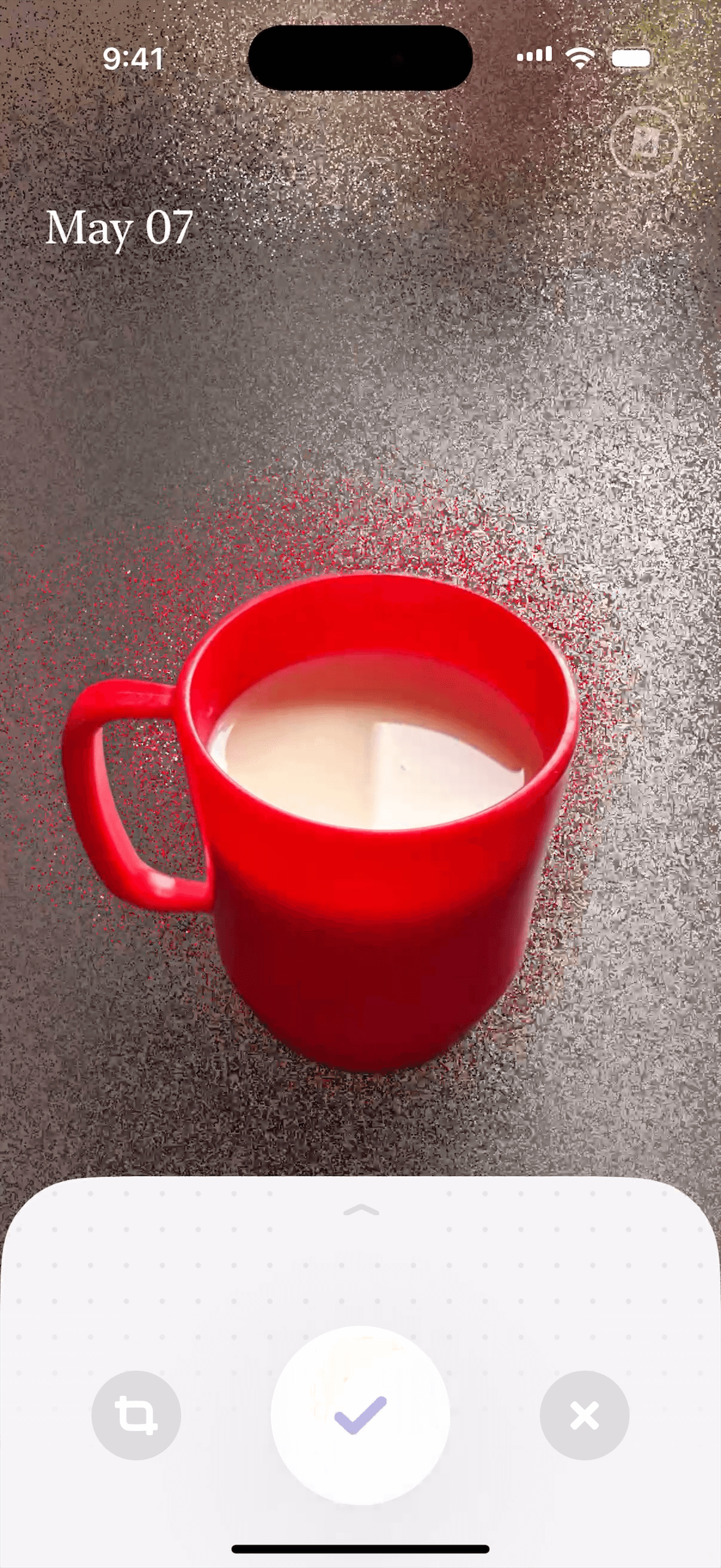
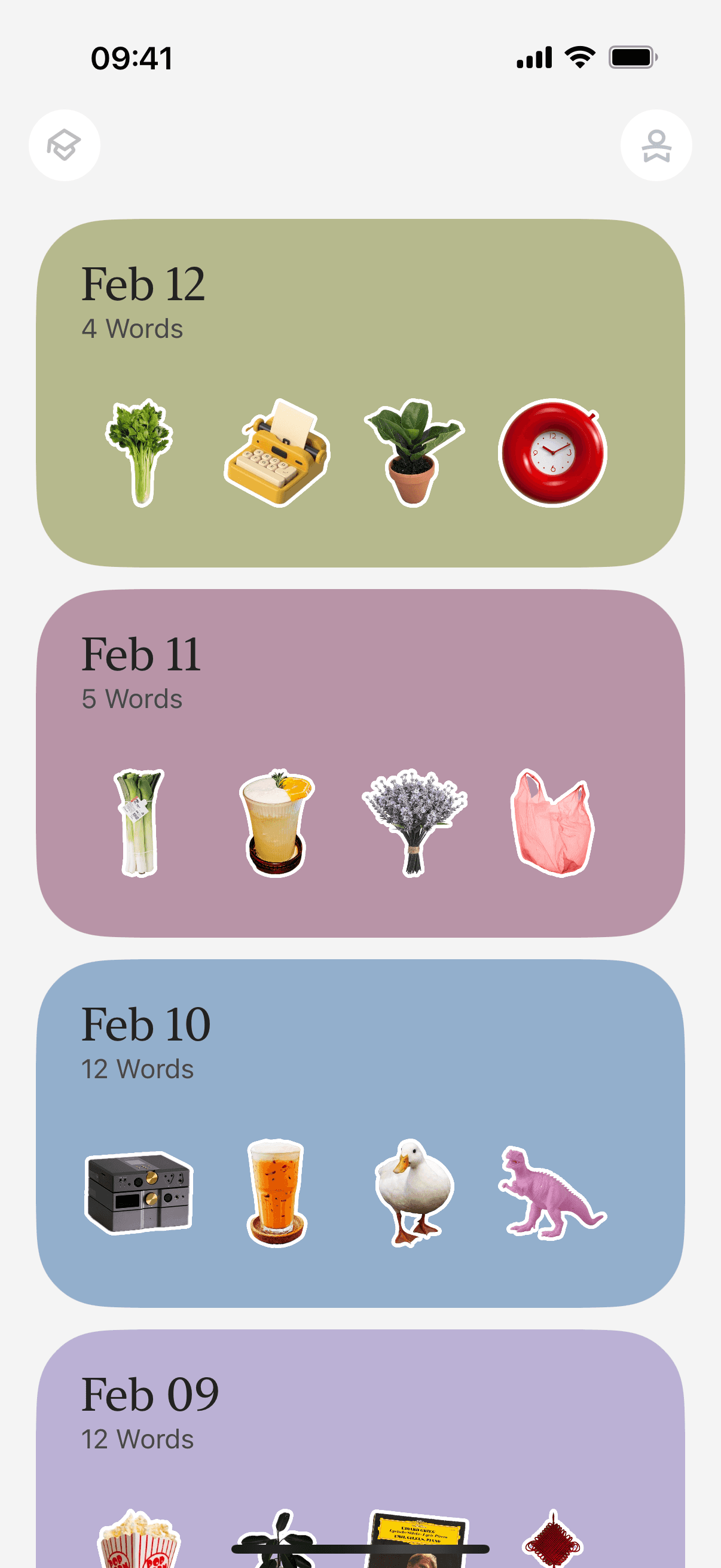
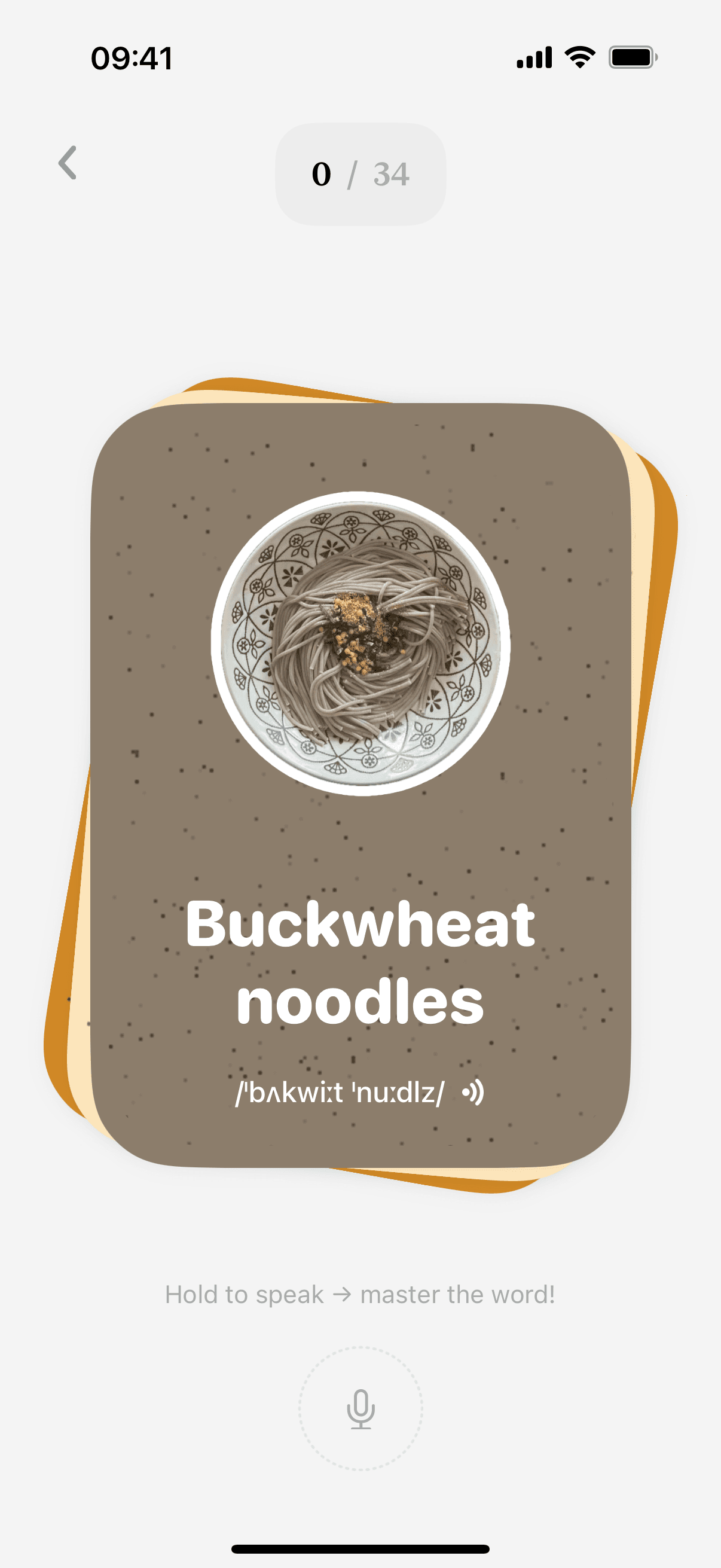
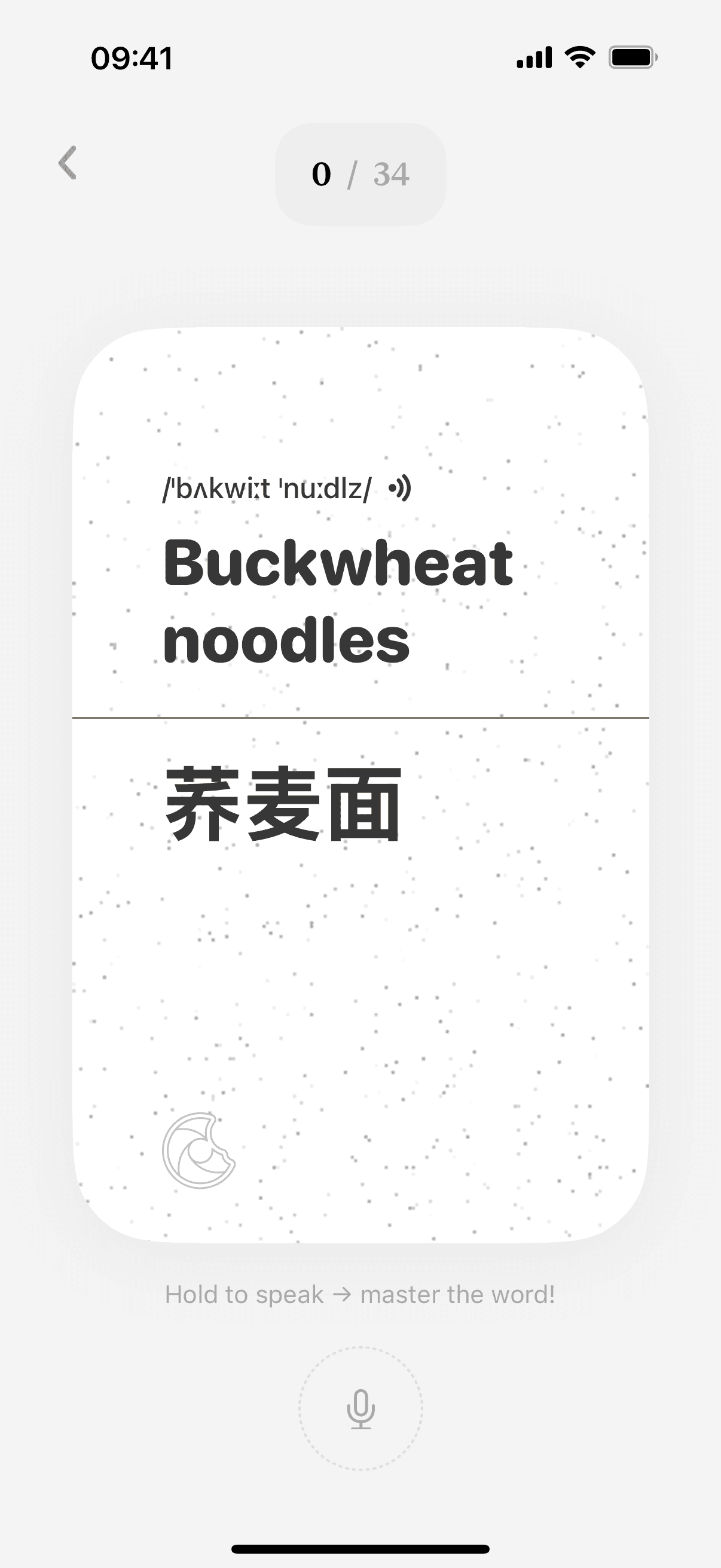
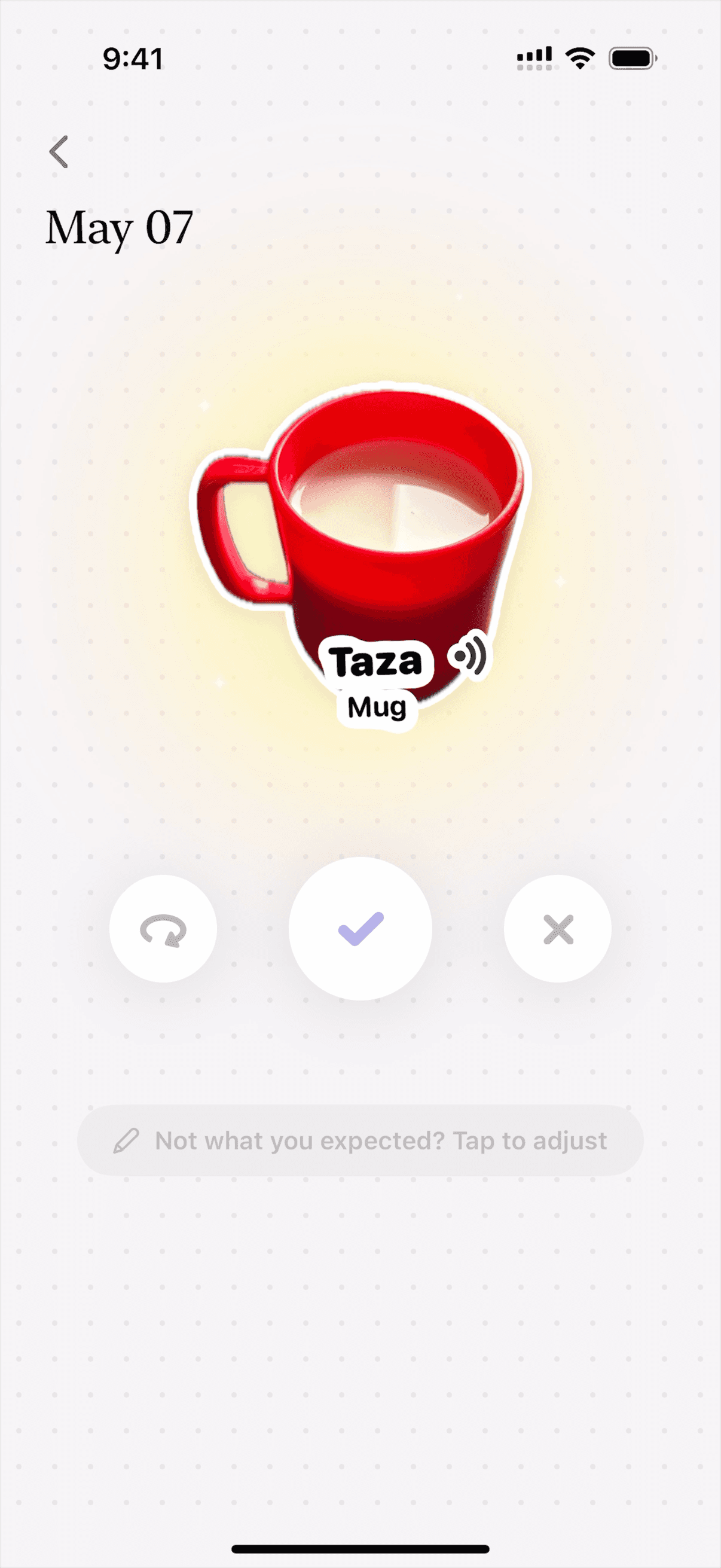
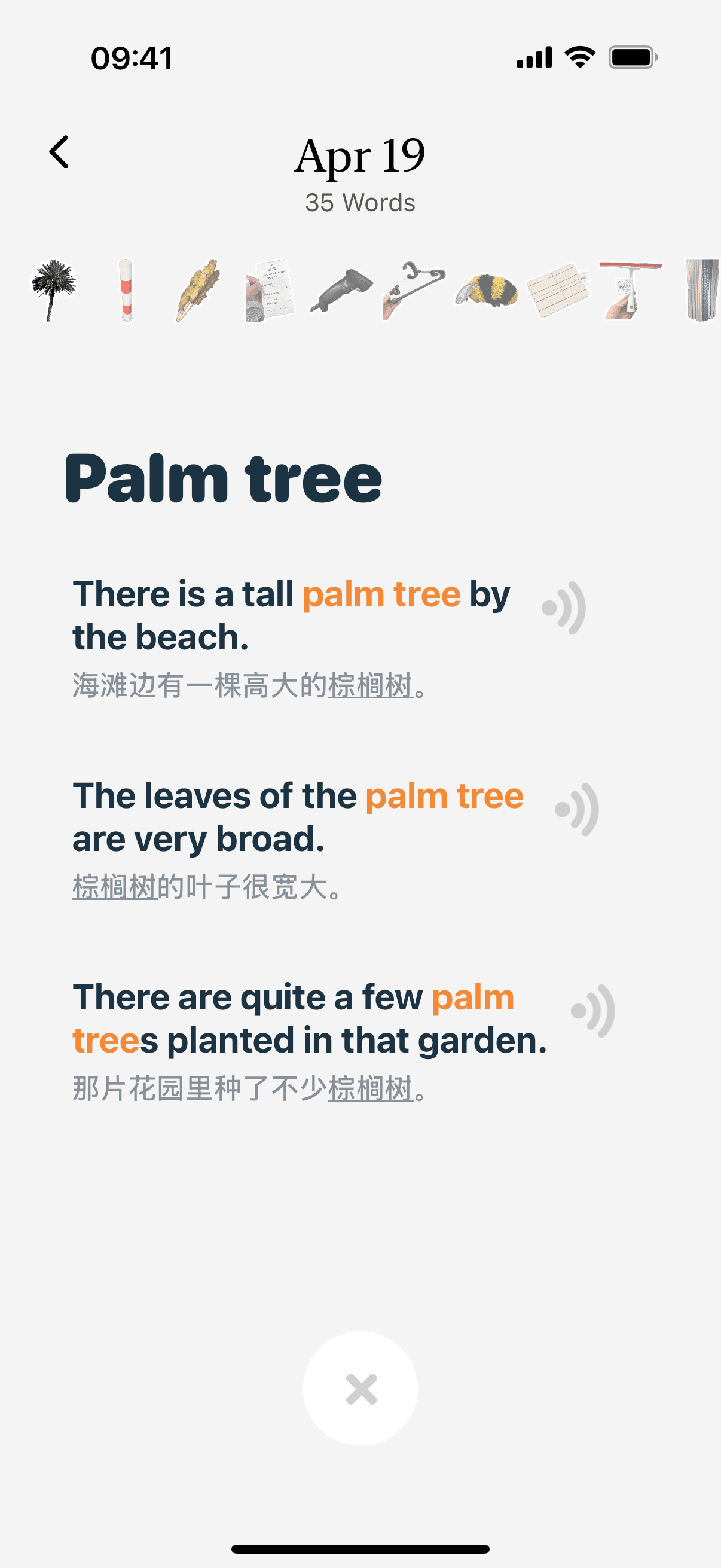
We ❤️ Our Users
Real feedback from real learners.
Scan this QR code with your phone
to download CapWords.











Questions?
We’ve got answers
Find answers to the most common questions about
using our app on your mobile device.
What is CapWords?
CapWords is a language learning app that helps you learn new words by snapping photos of real-world objects and turning them into vocabulary stickers.
How does CapWords work?
Just take a photo of any object. CapWords recognizes it and gives you the word, pronunciation, and sticker in your target language.
Do I need an account to use CapWords?
No, CapWords works without registration. You can start learning right away.
Is CapWords safe? How does it handle my photos?
CapWords processes images locally on your device and does not upload or store your photos on any server.
Can kids use CapWords?
Yes! CapWords is simple, visual, and safe, perfect for learners of all ages.